The portal page
What this covers
The Sage 50 on-site agent page in the GoRoute portal shows the agent's health from anywhere, without going to the Sage PC. Administrators can act on the agent from here.
Before you start
You need a portal login with access to connectors. Changing the agent needs permission to manage connectors. Without it you can view the page and press nothing.
Steps
-
Open Connectors. The Sage 50 on-site agent card shows the agent's state, version, when it was last seen, and its counts: Queued, Parked, Needs supplier and Inbox waiting.
-
Click Open for the full page.
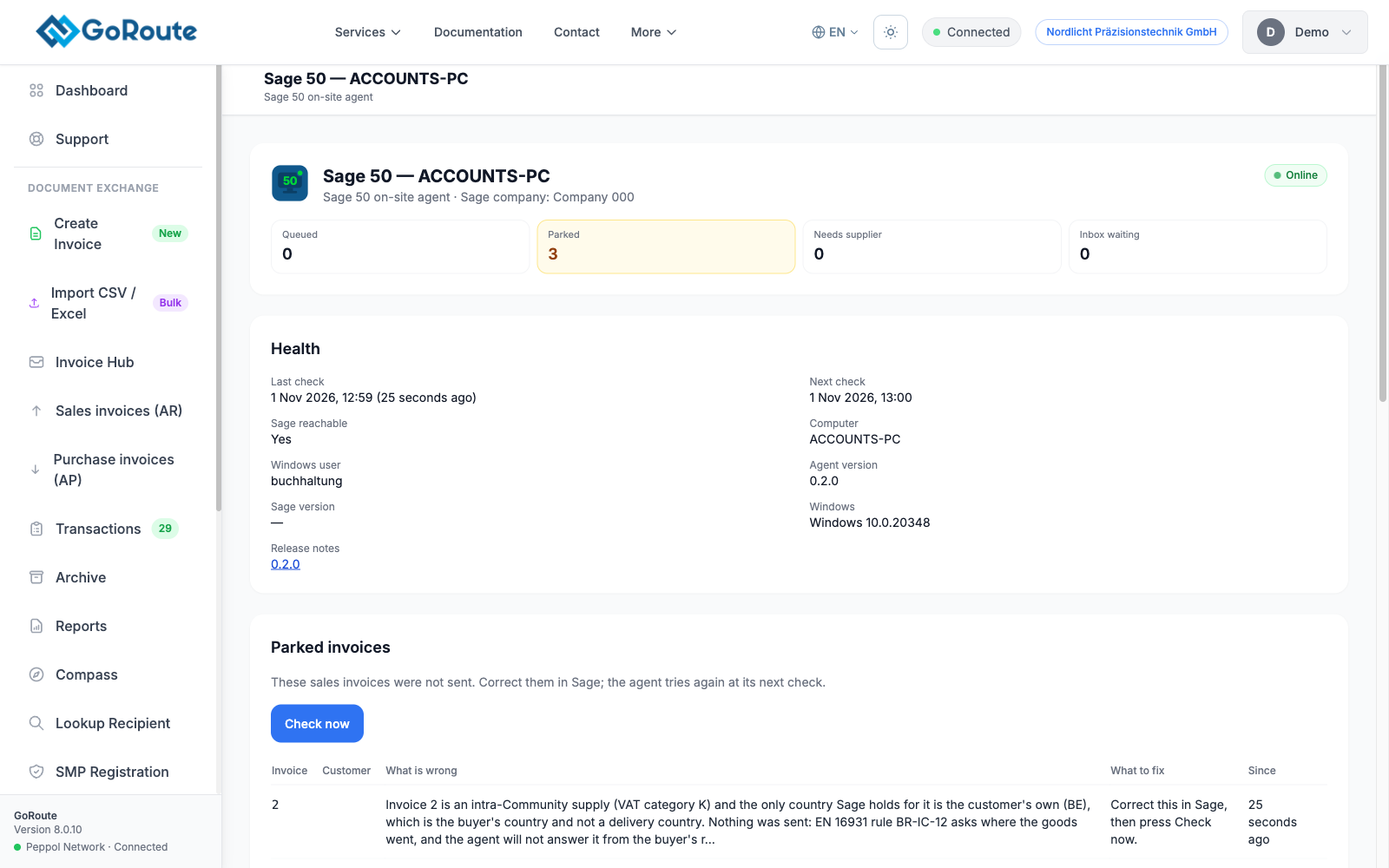
The page shows:
| Section | What it tells you |
|---|---|
| Health | Online, Went offline and when, Disabled, or Never connected; the last and next check; Sage reachable; the computer, Windows user, agent version and Sage version |
| Parked invoices | Sales invoices not sent, with What is wrong and What to fix |
| Supplier invoices waiting for a supplier | The supplier and the VAT number to create in Sage |
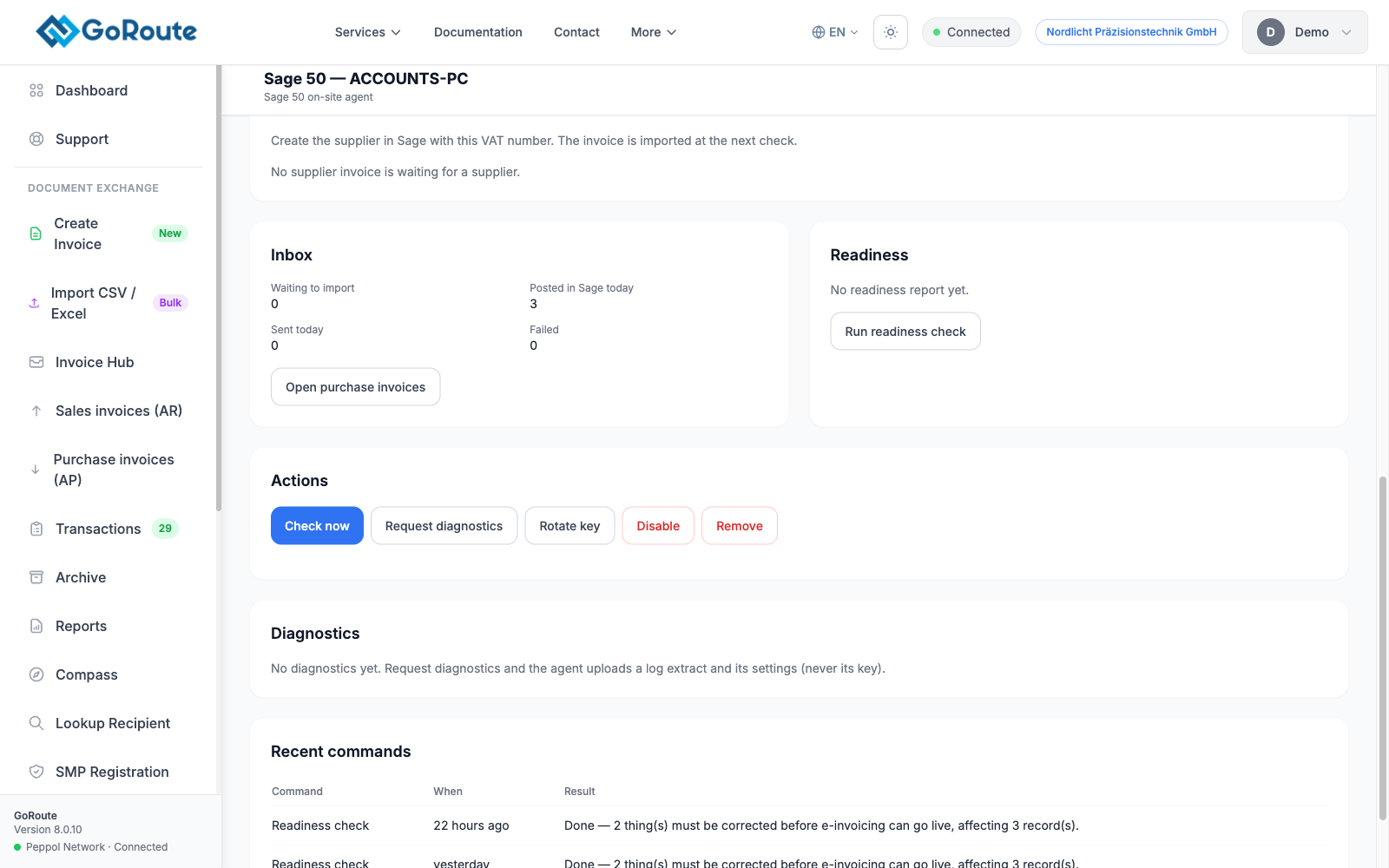
| Inbox | Waiting to import, Posted in Sage today, Sent today, Failed, and Open purchase invoices |
| Readiness | How many customers are ready and how many to correct |
| Recent commands | Every action sent to the agent and its result |
| Diagnostics | Log extracts the agent has uploaded, to download |
When the agent goes offline
The agent reports to GoRoute every minute. After three missed reports, and never sooner than five minutes, the portal marks it Went offline, shows a red banner at the top of the portal pages, and e-mails your organisation's owners and administrators once. A second e-mail says when it is back.
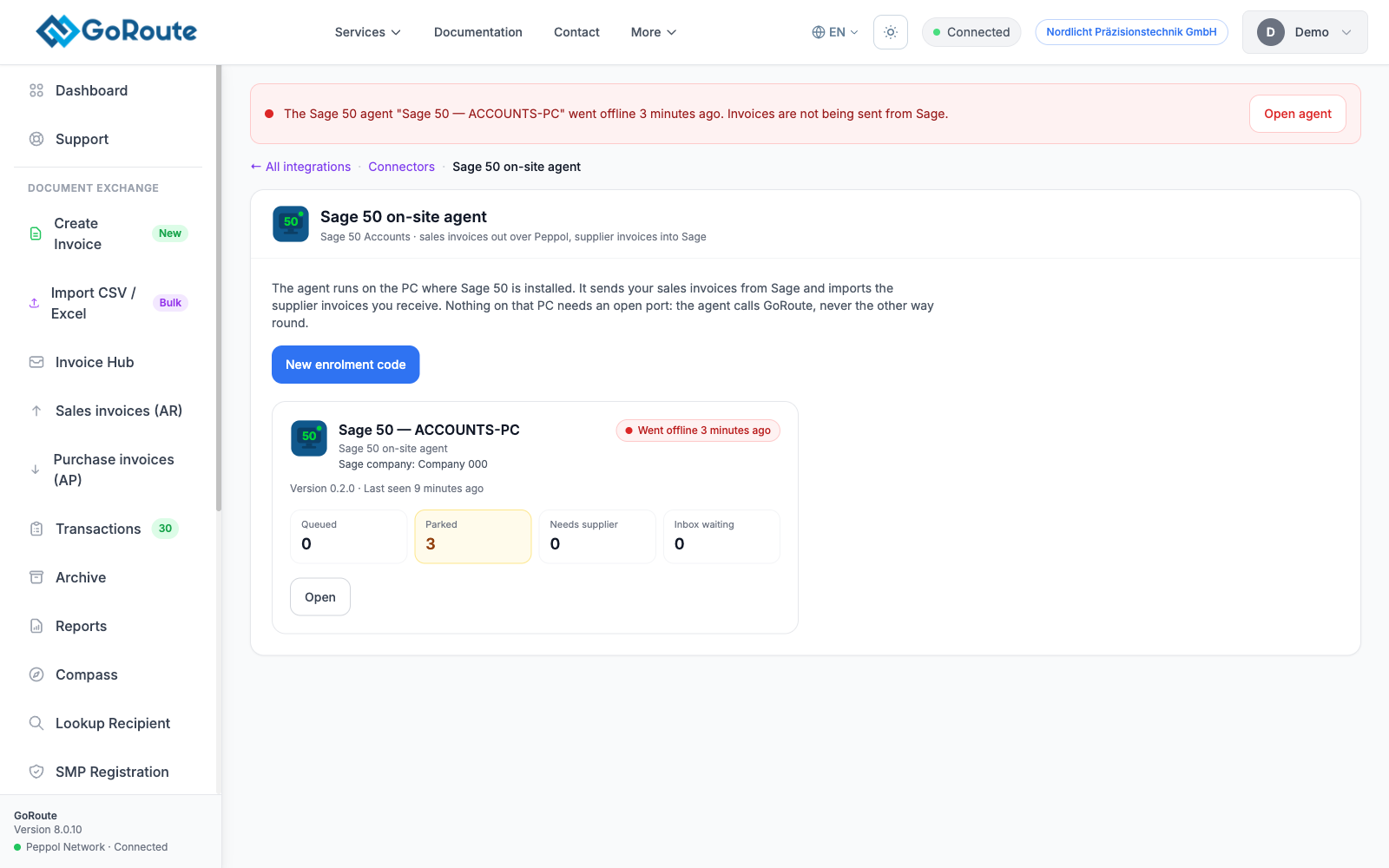
Offline usually means the PC is off or asleep, nobody is signed in to Windows, or the PC has lost its internet connection. Nothing waiting in Sage is lost.
Once a day, at 08:00, administrators also receive a list of invoices parked for more than a day.
What you can do from the page
| Button | What it does |
|---|---|
| Check now | The agent reads Sage and GoRoute at once |
| Run readiness check (under Readiness) | The agent builds a new readiness report |
| Request diagnostics | The agent uploads a log extract and its settings, never its key |
| Update to a version (shown when one is available) | The agent downloads and installs the new version. See Updates, moving and removing |
| Rotate key | The agent receives a new key at its next check and the old one stops working |
| Disable / Enable | The agent stops sending and importing but keeps reporting its status |
| New enrolment code | Pairs a new installation with this connection, for a reinstall or a new PC |
| Remove | The agent stops working at its next check. Invoices already sent are kept |
The agent picks up an action within a minute. Recent commands shows Waiting for the agent, Picked up by the agent, then Done or Failed.
What you should see
Online, a last check a few minutes old, and Sage reachable: Yes.
If it does not work
| You see | What to do |
|---|---|
| Never connected | The installer has not used the code yet. Create a New enrolment code and run the installer again. |
| Went offline | Check the PC is on and the Windows user is signed in. Start the agent from Start ▸ GoRoute ▸ GoRoute Sage 50 Agent. |
| Sage reachable: No | The agent cannot sign in to Sage. See Troubleshooting. |
| A command stays Waiting for the agent | The agent is offline. It runs the command when it is back. |
Written for agent 0.2.x and the GoRoute portal release of 31 October 2026.